01. Welcome & Login
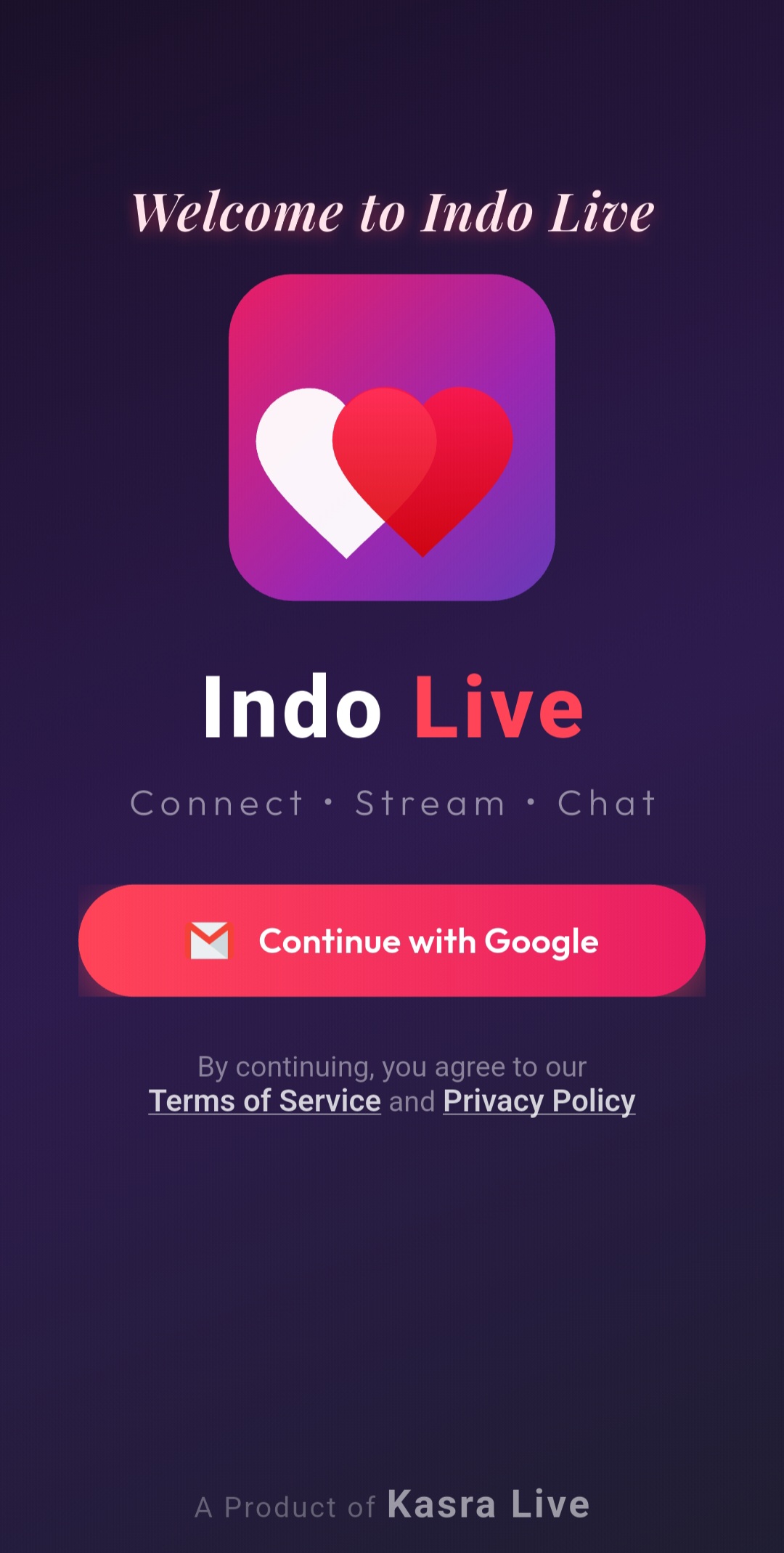
Getting started is easy — sign in securely with your Google account in just one tap. By continuing, you agree to our Terms of Service and Privacy Policy.
02. Choose Your Language
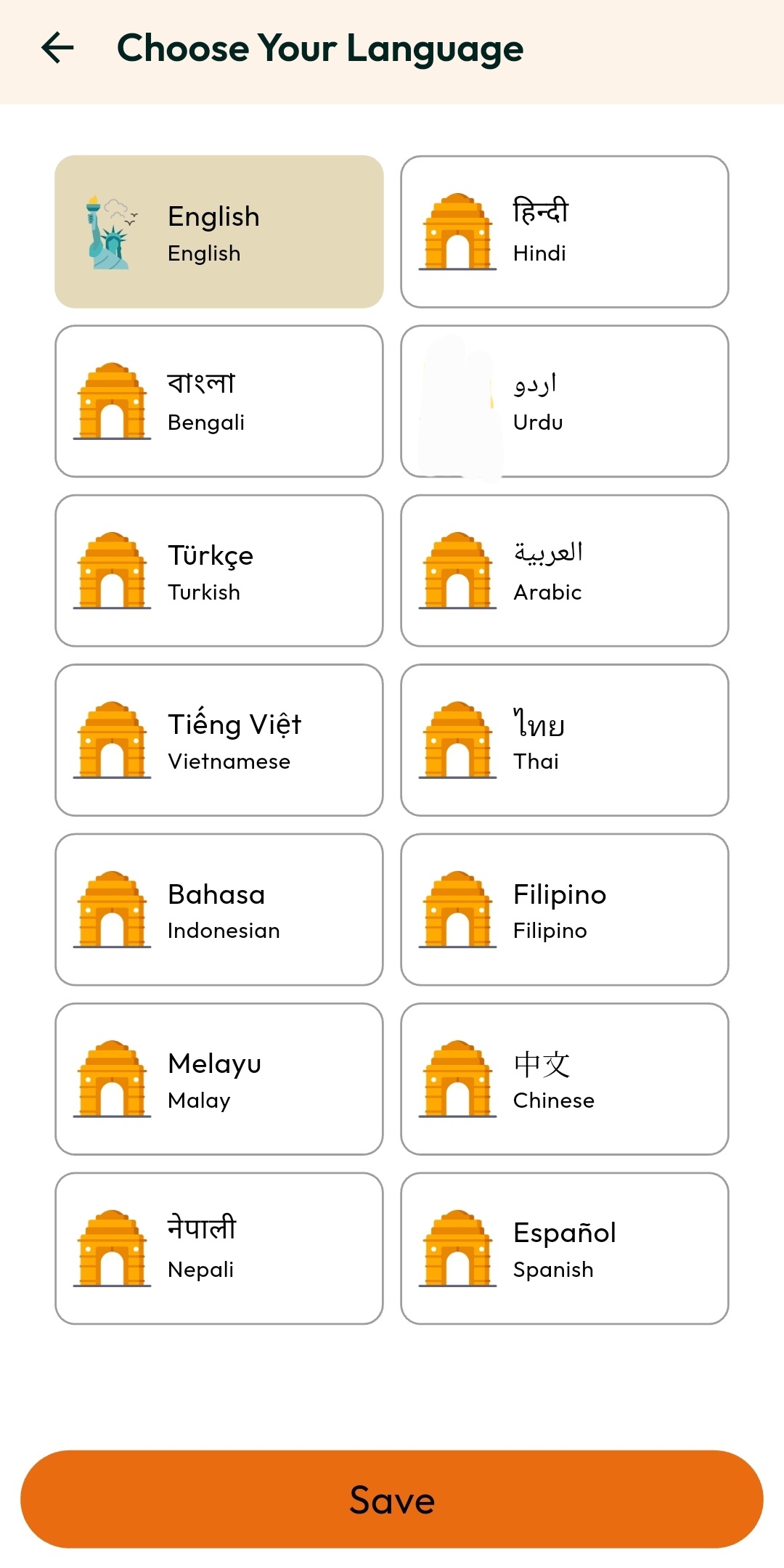
Indo Live supports 14+ languages including English, Hindi, Arabic, Turkish, Vietnamese, Thai, Indonesian, Filipino, Chinese, Spanish, and more. Select your preferred language for a fully localized experience.
03. Explore & Discover Users
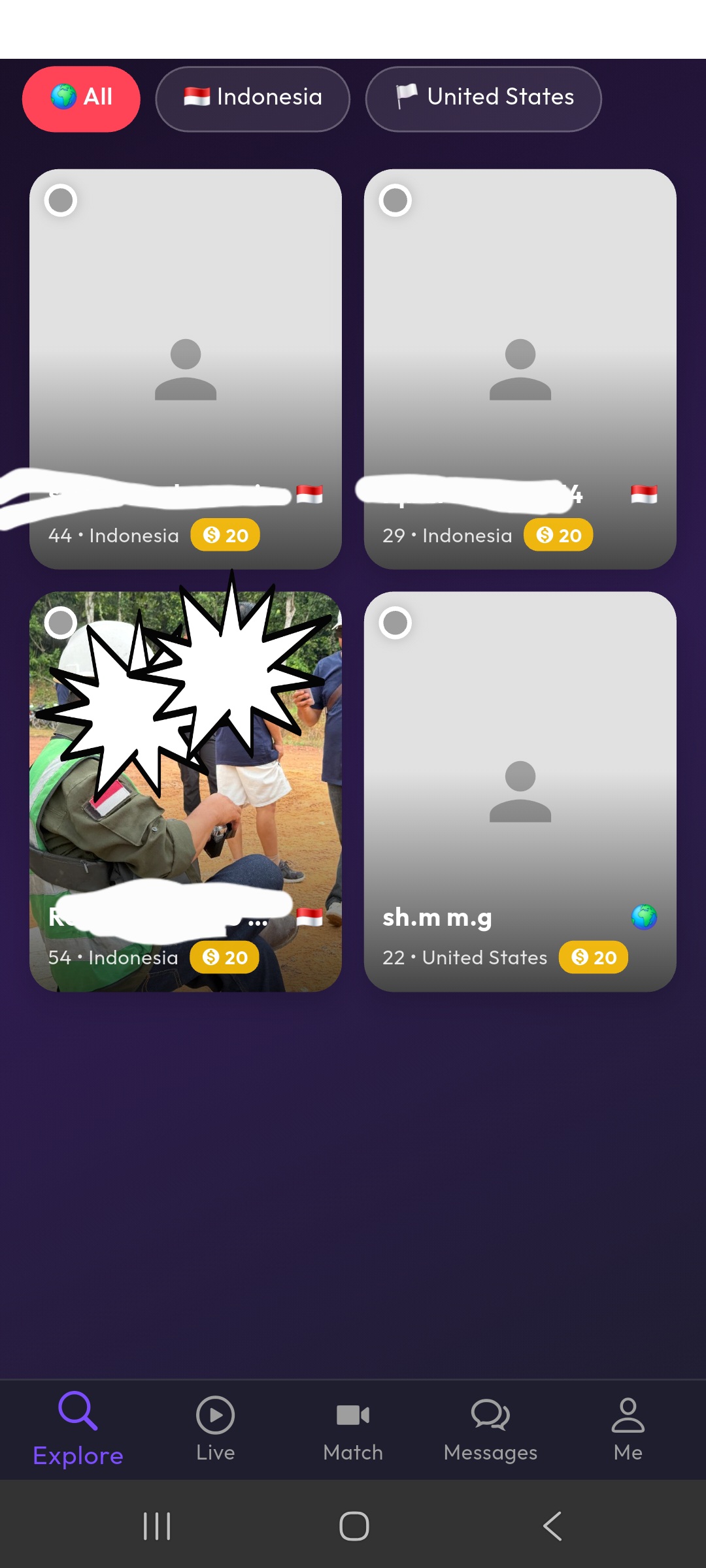
Browse user profiles from around the world. Filter by country, see who's online, and connect with people who share your interests. Each card shows the user's age, country, and call rate.
04. User Profile View
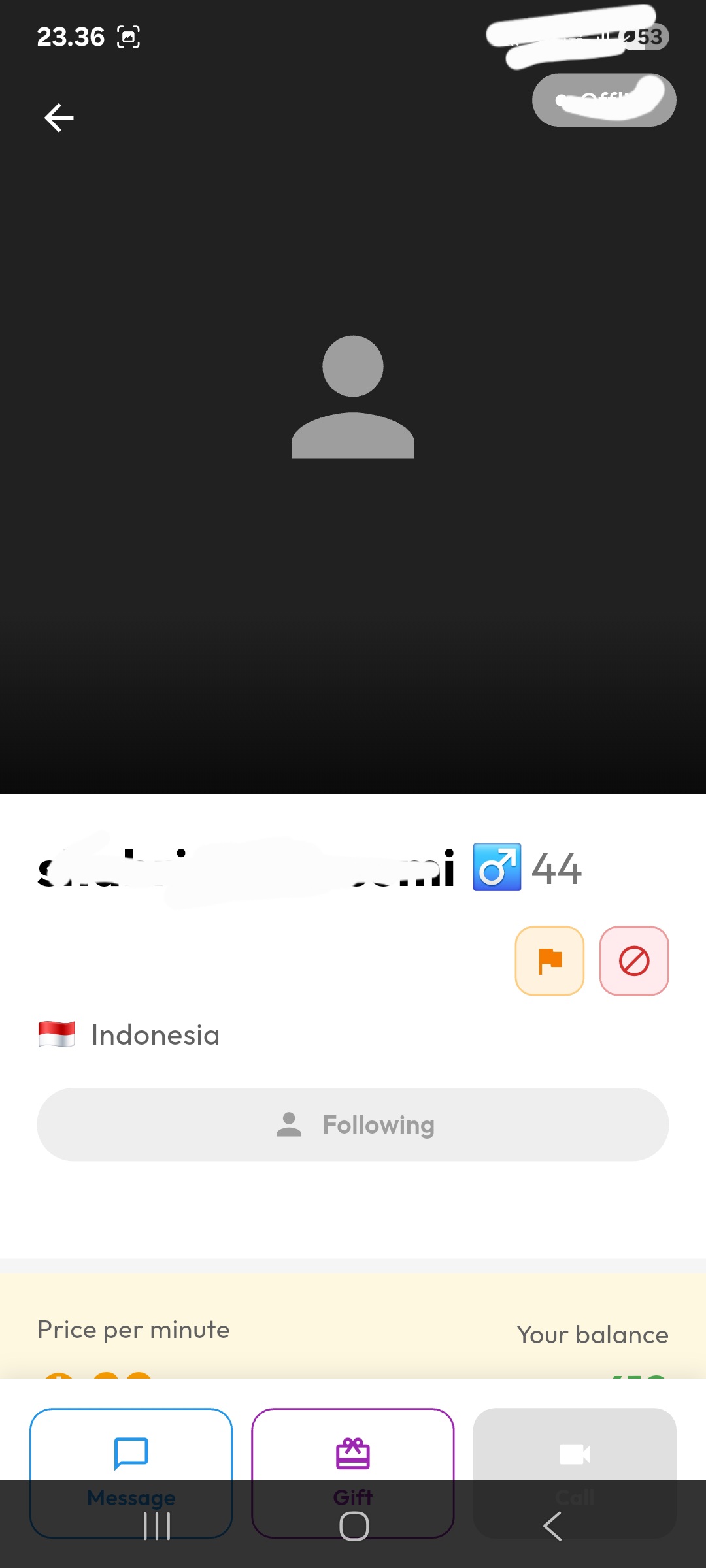
Visit any user's profile to see their details. From here you can send a message, a gift, start a video call, follow them, or report inappropriate behavior.
Privacy Note: To protect users' privacy and prevent disruption to their daily lives, the video call button is automatically disabled when a user is offline. For hosts, the video call availability can be freely toggled on or off while they are online, allowing them to browse the app without receiving unwanted call requests.
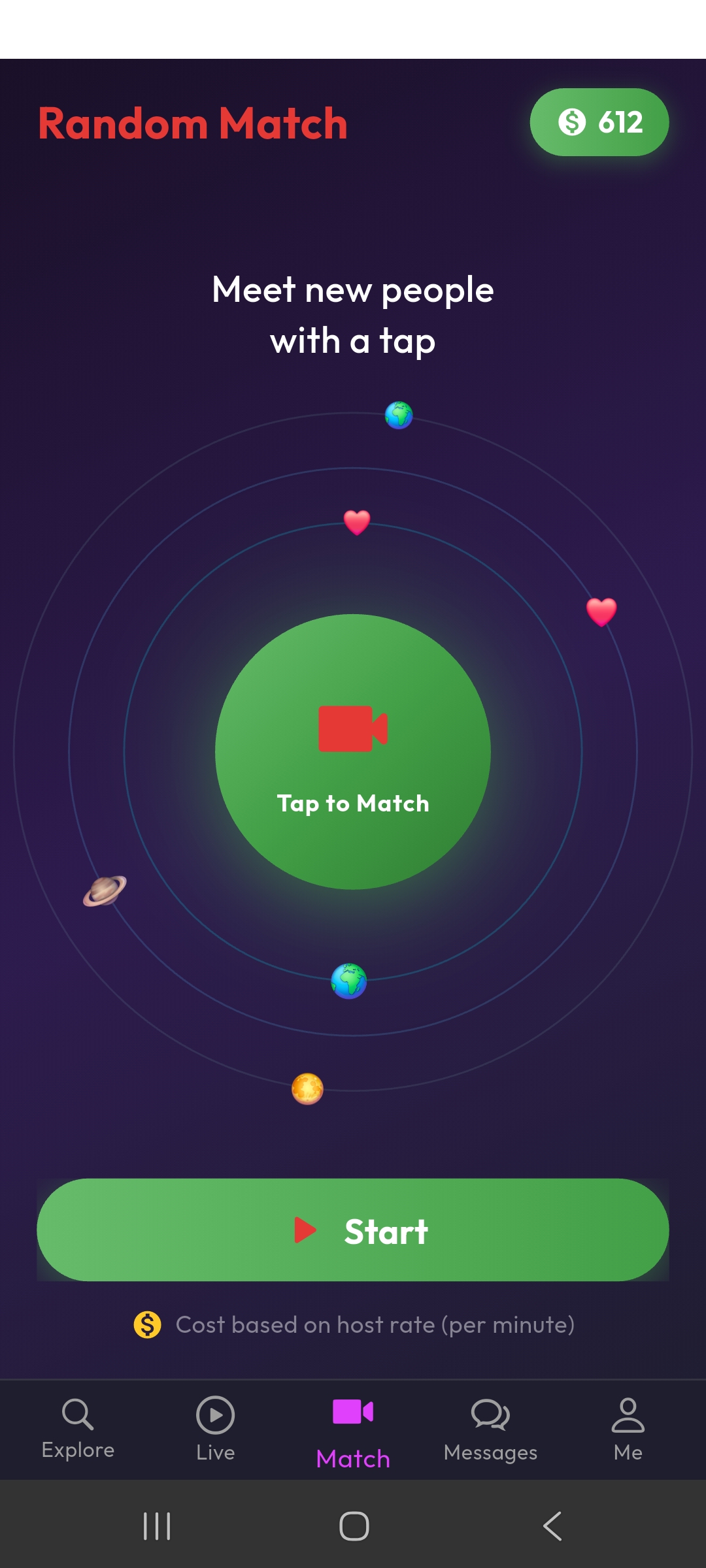
05. Random Video Match
Meet new people instantly! Tap the "Match" button and get connected to a random user via live video call. Cost is based on the host's per-minute rate, deducted from your coin balance.
06. Live Streaming
Watch live streams from hosts around the world. Interact in real-time, send gifts, and support your favorite hosts during their live sessions.
07. Private Messaging with Translation
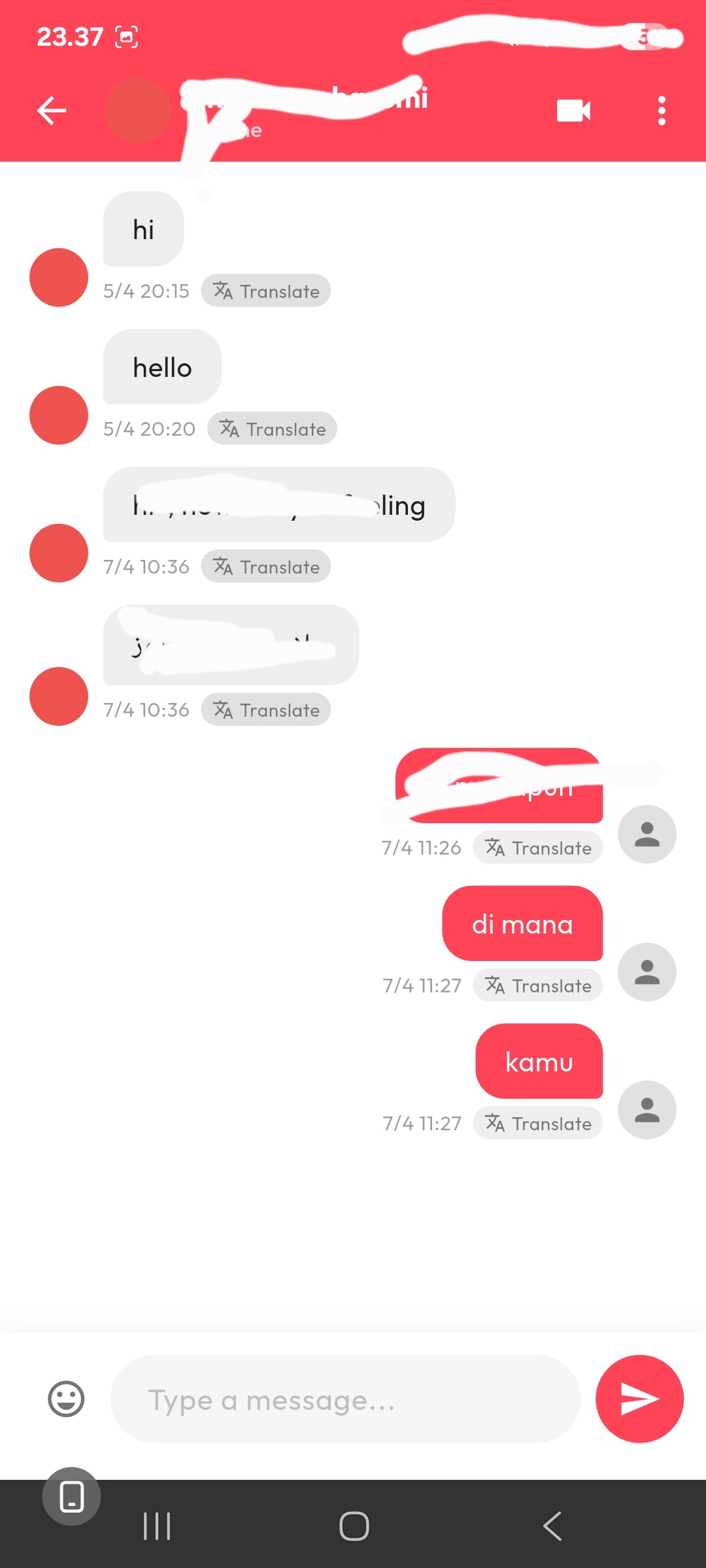
Chat privately with anyone on the platform. Each message has a built-in Translate button — tap it to instantly translate messages to your language, breaking down language barriers effortlessly.
08. Call History & Messages
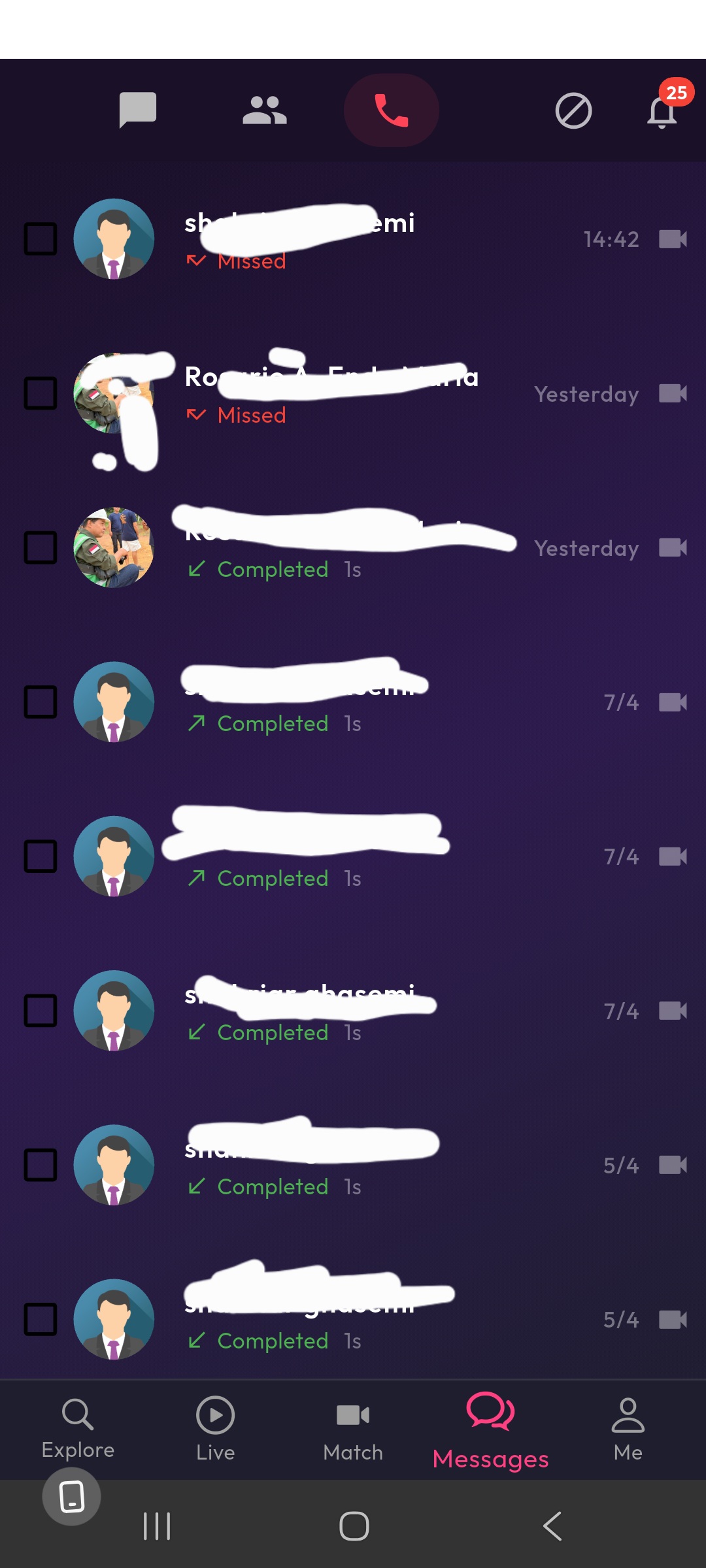
Keep track of all your incoming and outgoing calls. View call status (completed, missed), duration, and easily start a new video call with any contact.
09. Send Gifts
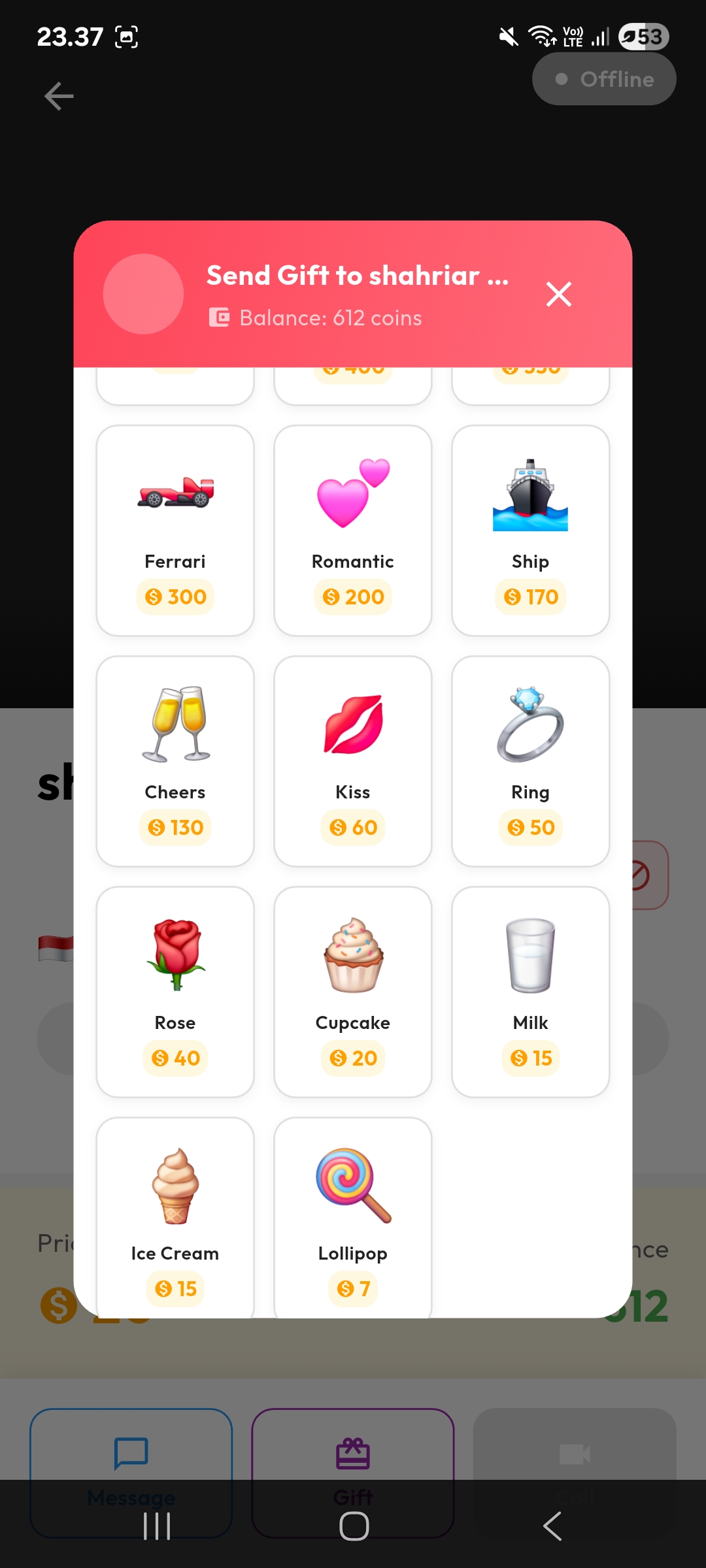
Show appreciation by sending virtual gifts! Choose from a variety of gifts like Ferrari, Romantic Hearts, Ship, Cheers, Kiss, Ring, Rose, and more. Each gift has a different coin value.
10. Buy Coins
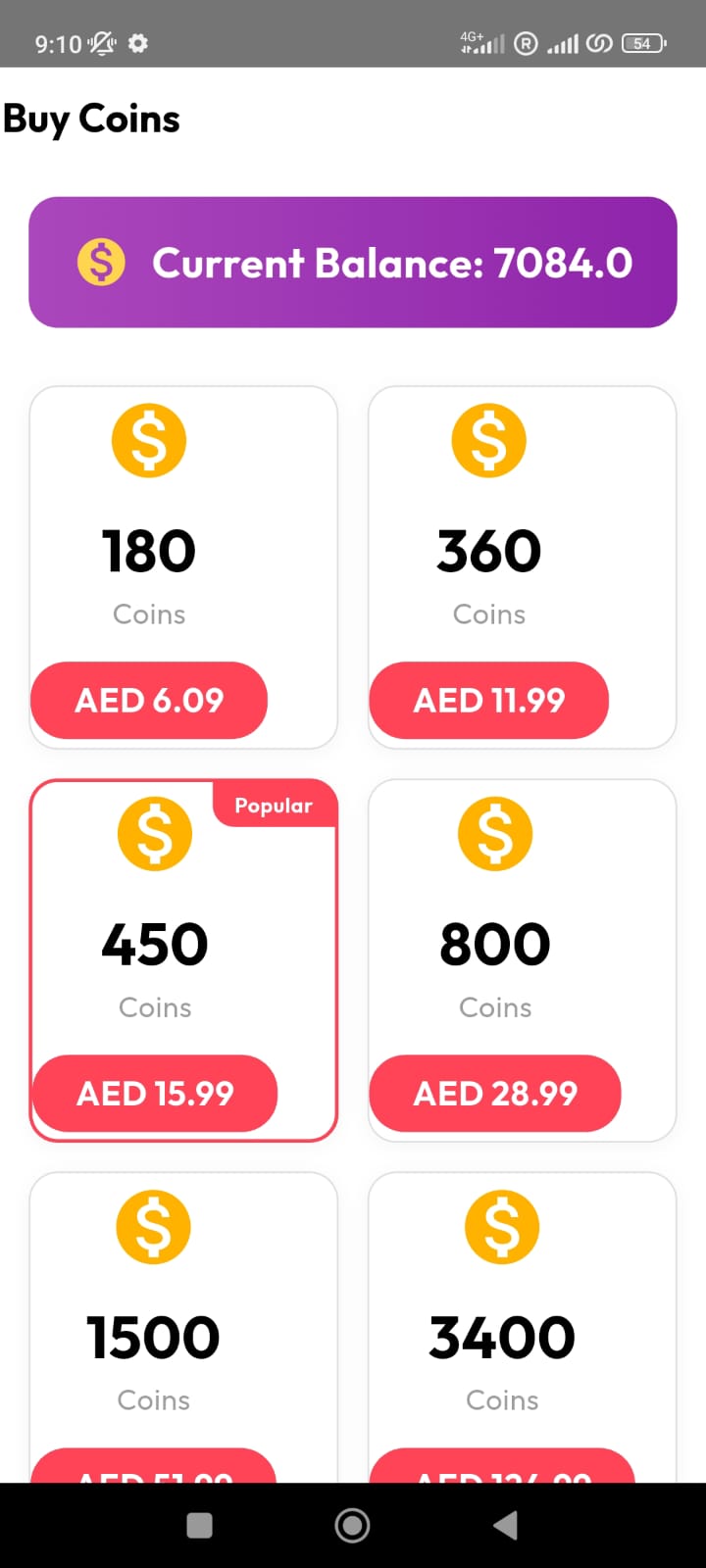
Purchase coin packages to use all app features. Select your preferred package and you'll be redirected to Google Play Store's secure payment to complete your purchase. We never collect or store your payment card details, wallet information, or any financial data. All transactions are processed entirely through Google Play's trusted payment system.
11. Levels & Rewards
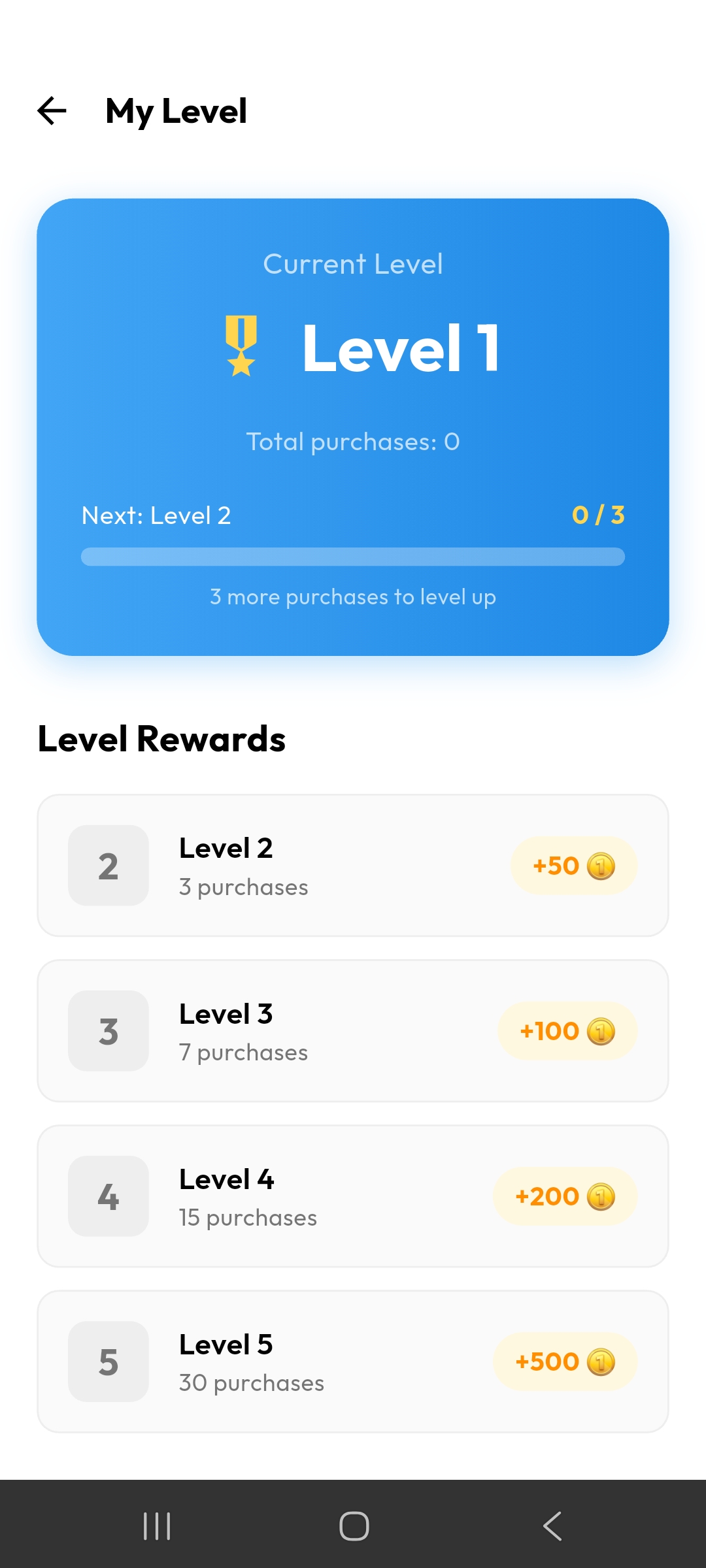
Earn bonus coins as you level up! Every purchase counts toward your level progression. Higher levels unlock bigger coin rewards — from +50 coins at Level 2 up to +500 coins at Level 5.
12. Invite Friends & Earn
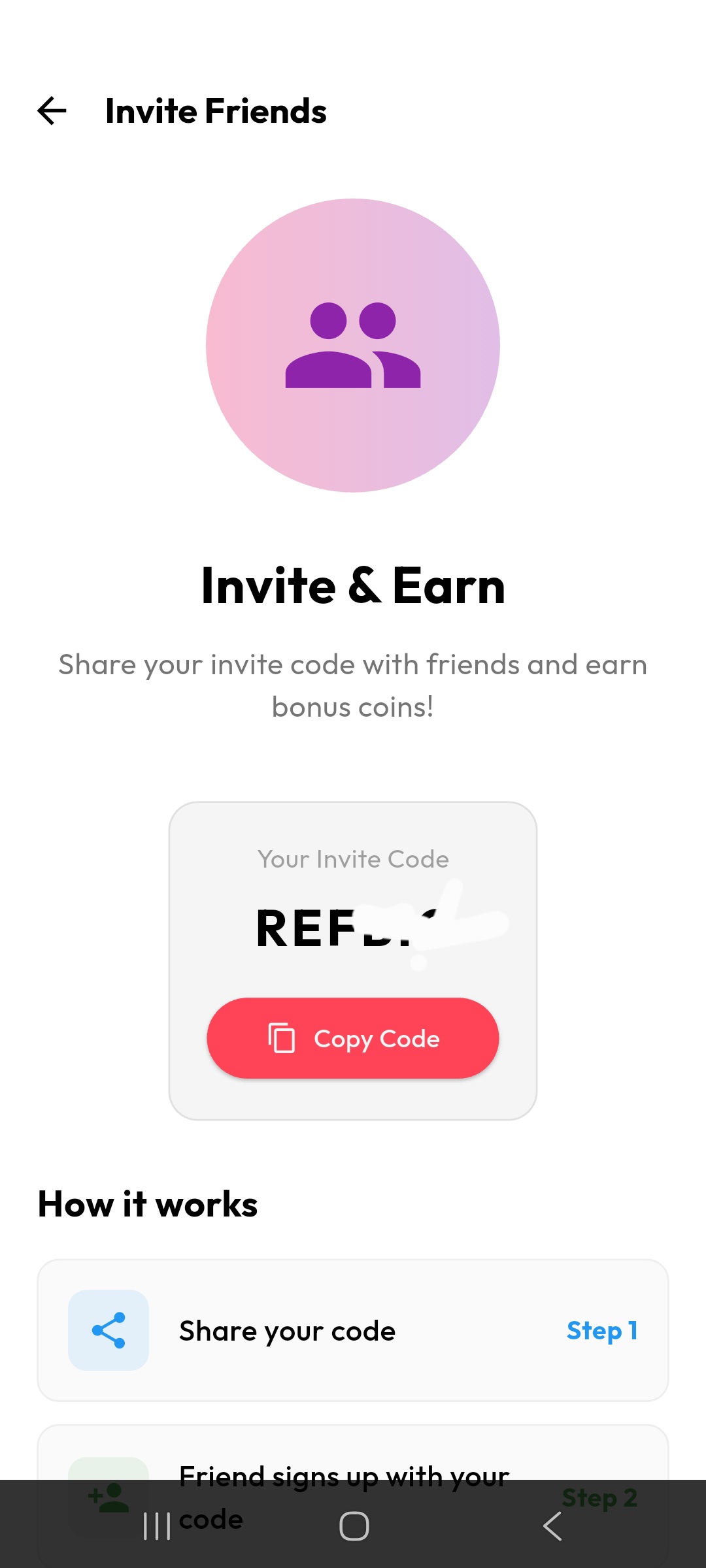
Share your unique invite code with friends. When they sign up using your code, both of you earn bonus coins! Copy your code and share it via any messaging app.
13. Your Profile
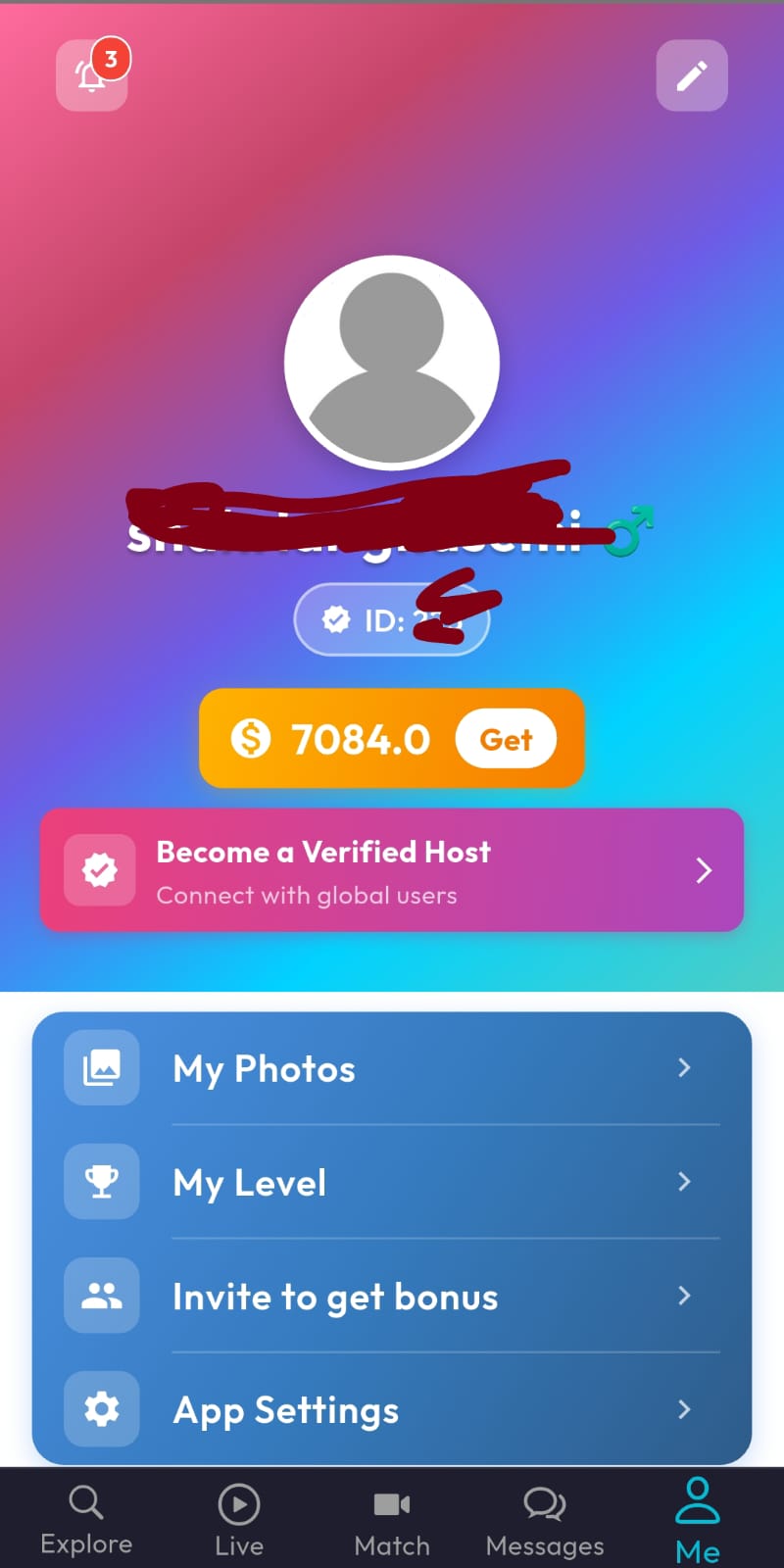
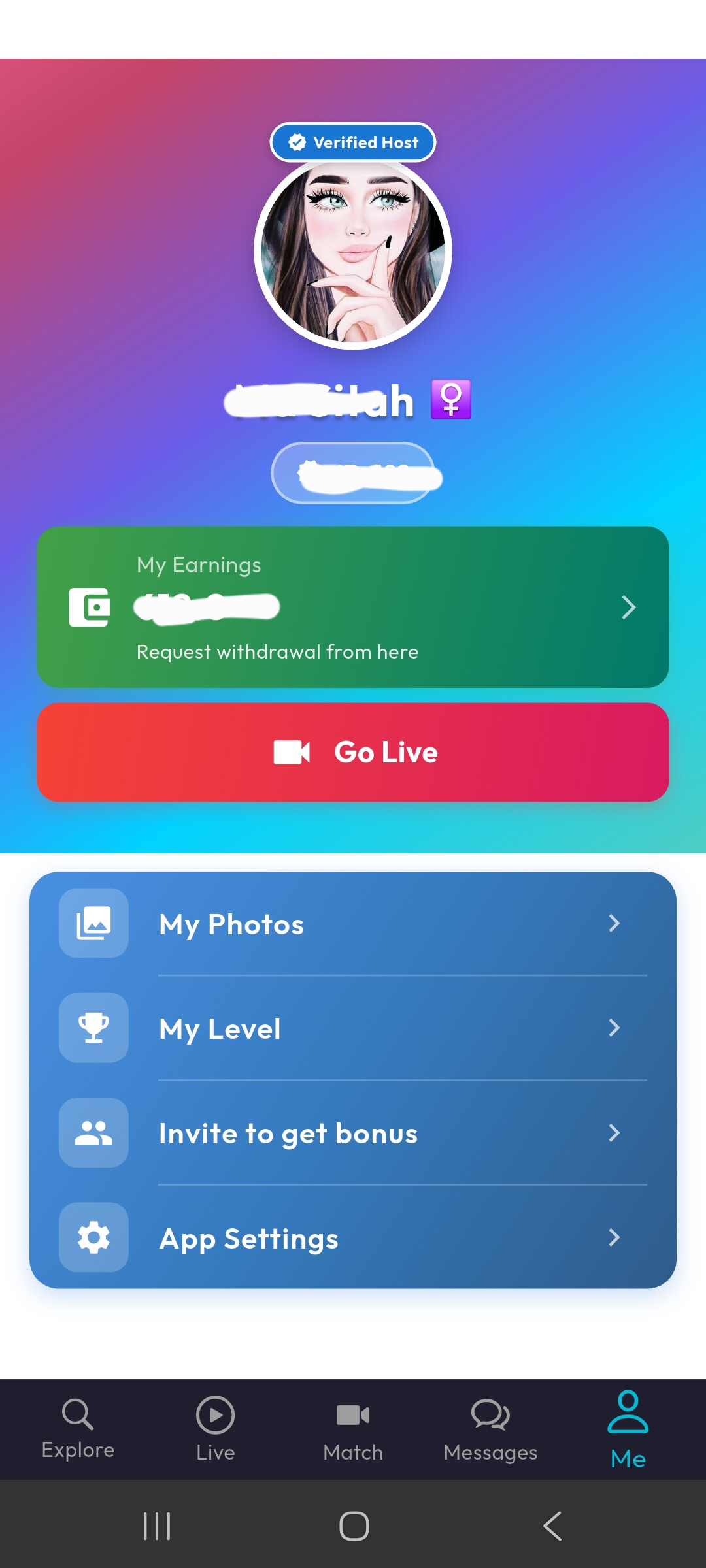
Manage your profile, view your coin balance, access your photo gallery, check your level, invite friends, and configure app settings. Verified hosts get additional features like "Go Live" and enhanced engagement tools to connect with a wider audience.
14. Photo Gallery
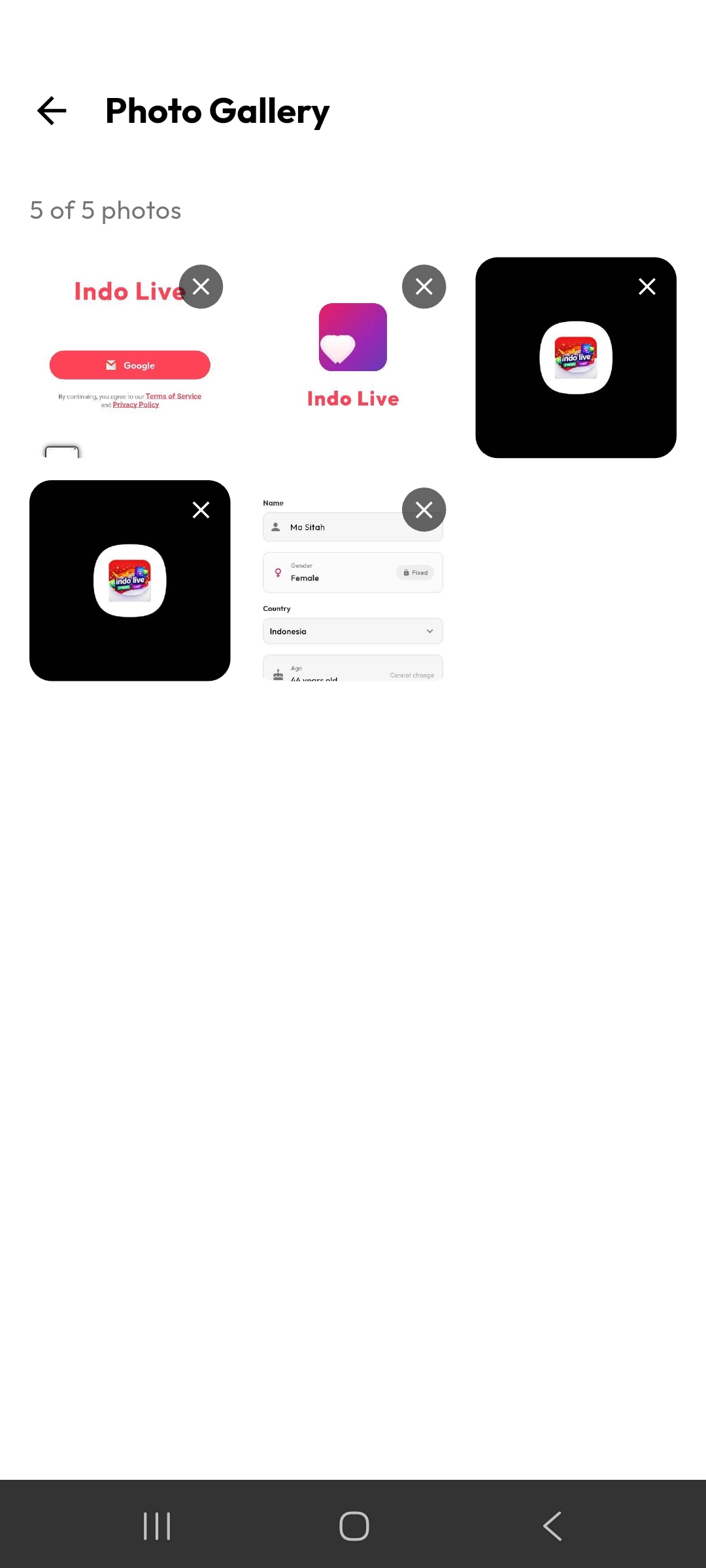
Upload multiple photos to your gallery to make your profile more attractive. Other users can browse your photos when they visit your profile.
15. Following & Followers
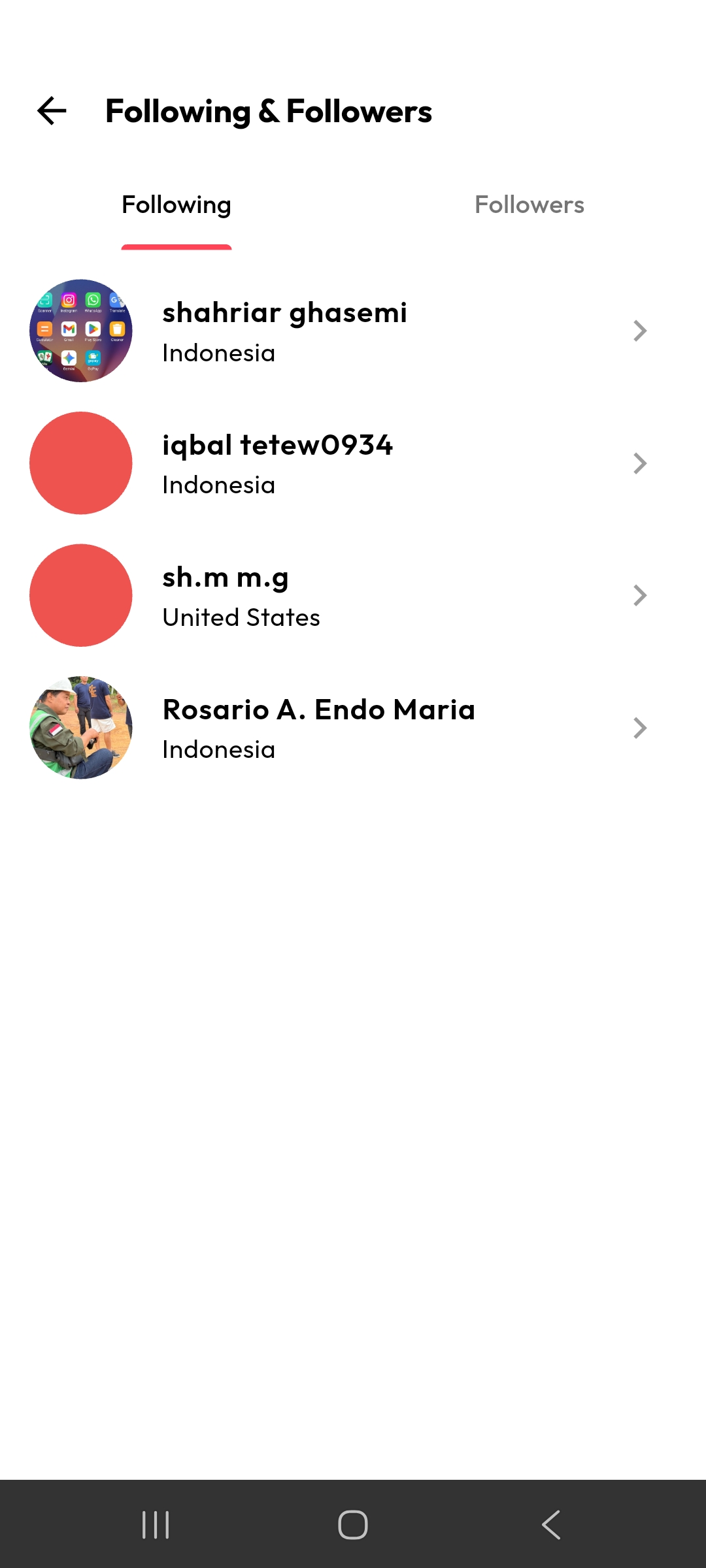
See who you follow and who follows you. Tap on any user to visit their profile and start a conversation or video call.
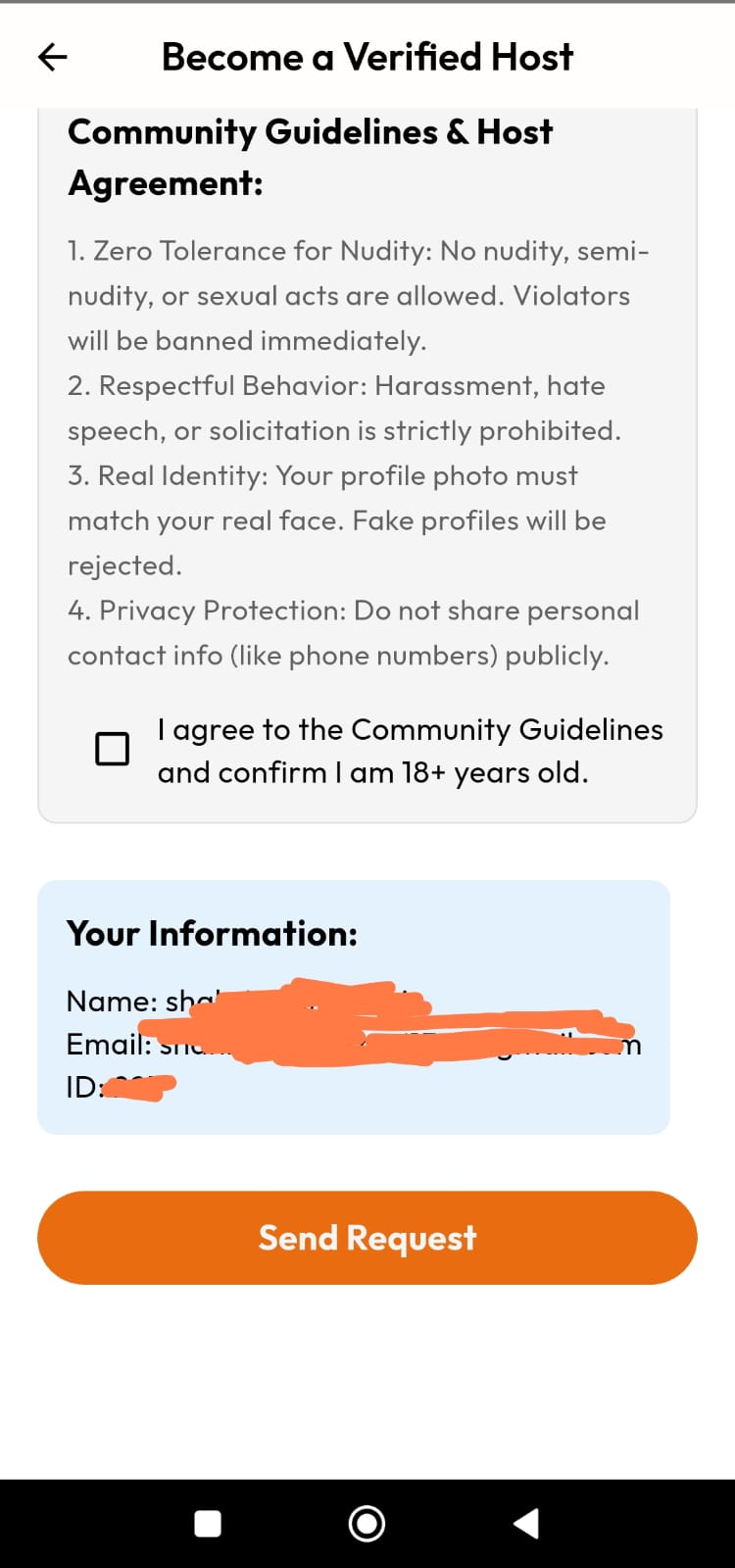
16. Become a Verified Host
Want to get more visibility, receive more virtual gifts, and interact with a larger audience? Apply to become a verified host! Review the Community Guidelines, confirm you are 18+ years old, and submit your request. Once approved, you can go live, connect with more users, and grow your presence on the platform.
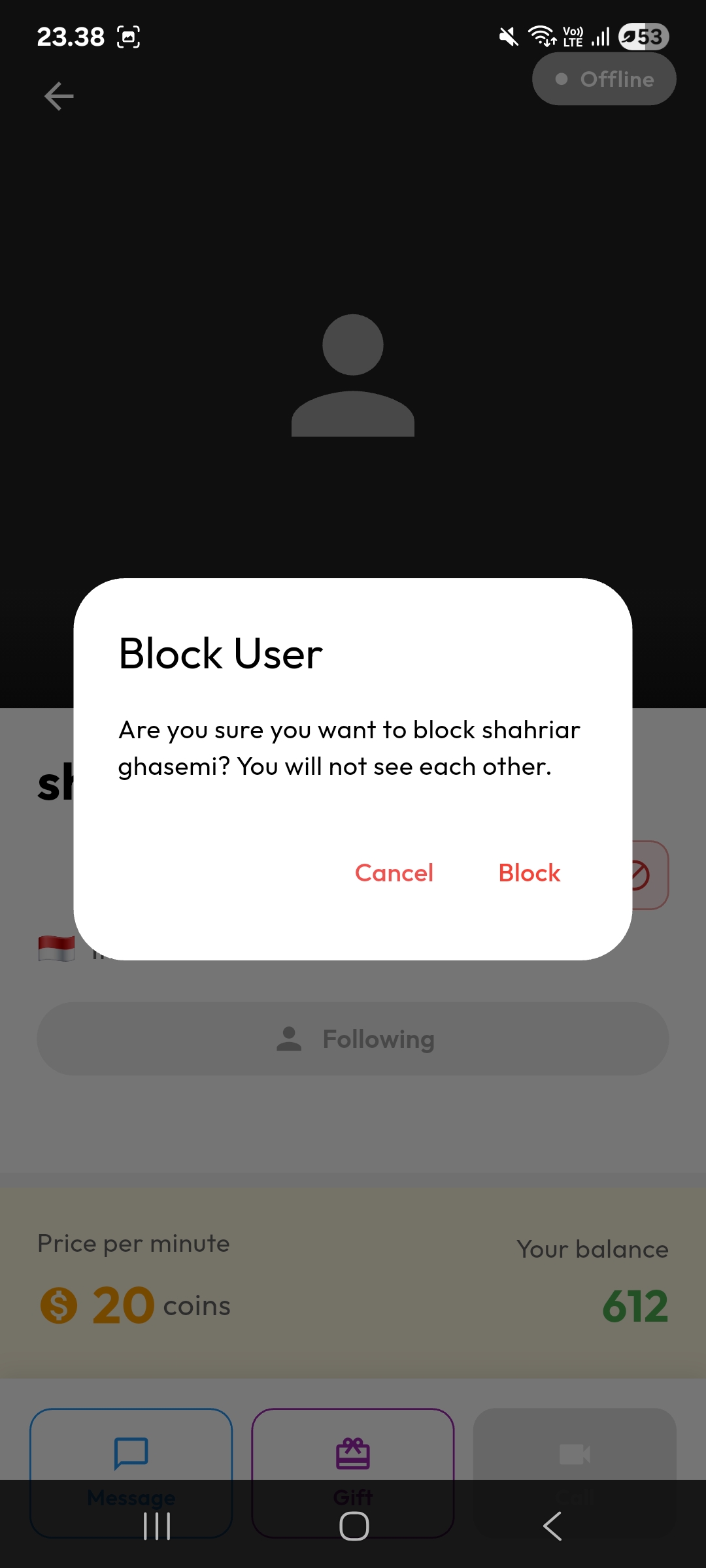
17. Block Unwanted Users
Your safety matters. If someone is bothering you, block them instantly. Once blocked, you won't see each other on the platform anymore.
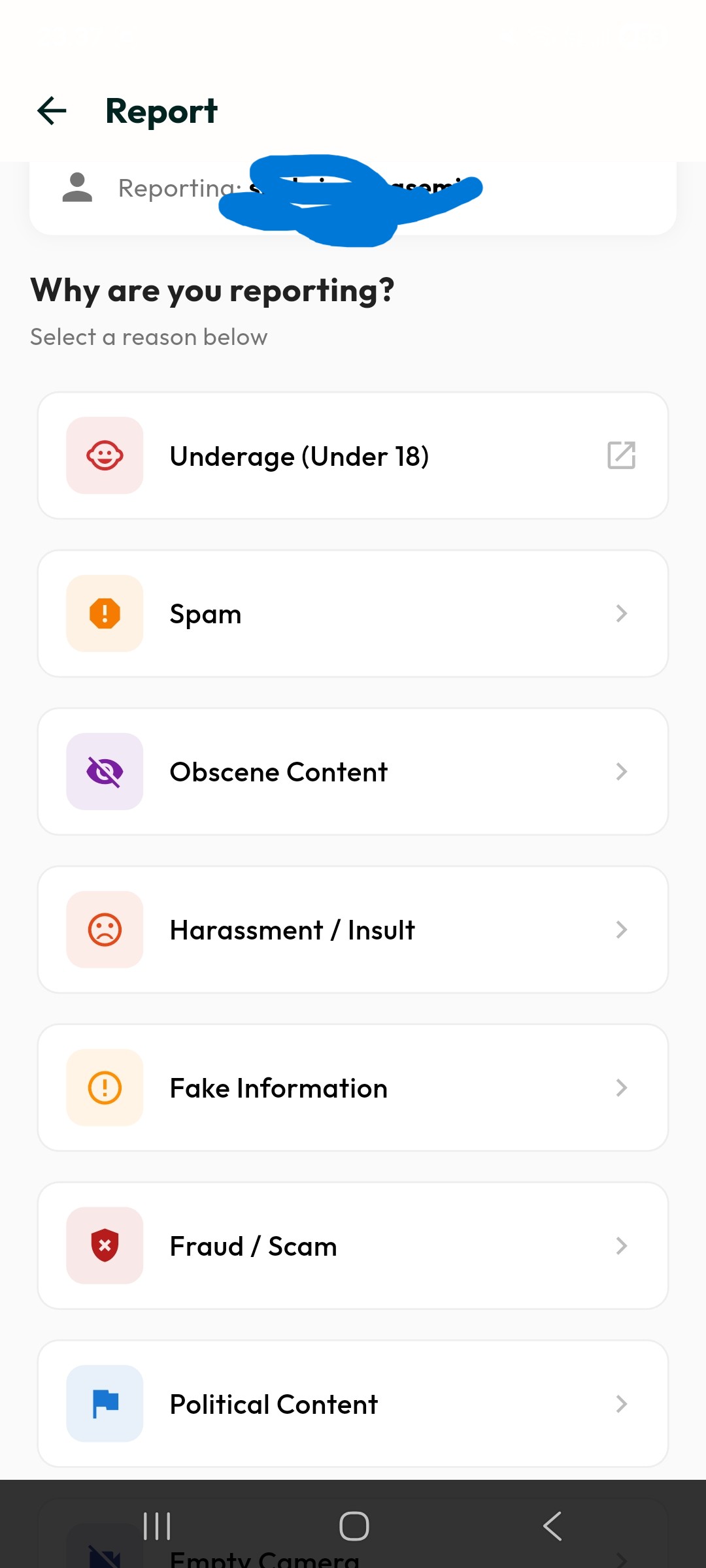
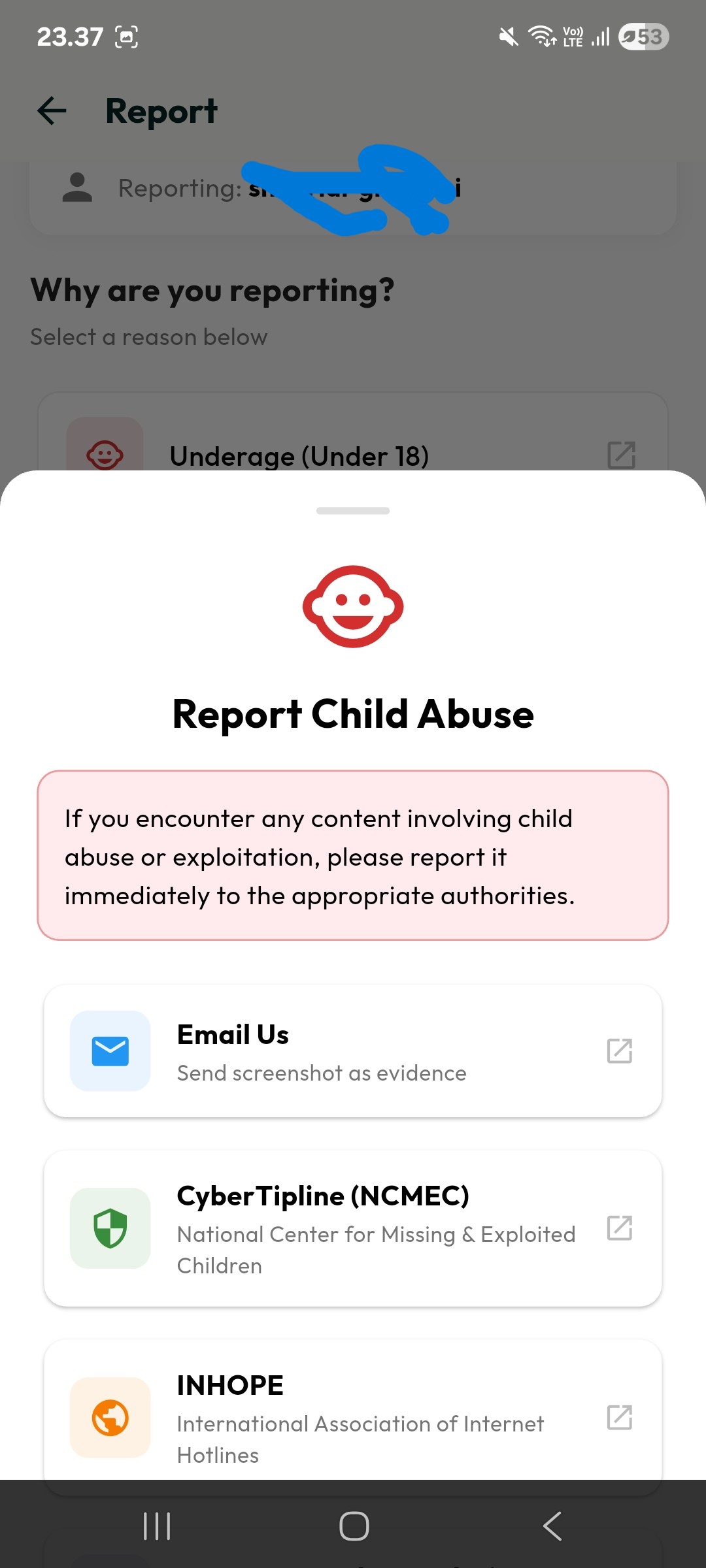
18. Report & Child Safety
Indo Live has a comprehensive reporting system. Report users for being underage, spam, obscene content, harassment, fake information, fraud, or political content. For child safety concerns, we provide direct links to international authorities including NCMEC CyberTipline, INHOPE, and Internet Watch Foundation. Read our full Child Safety Policy.
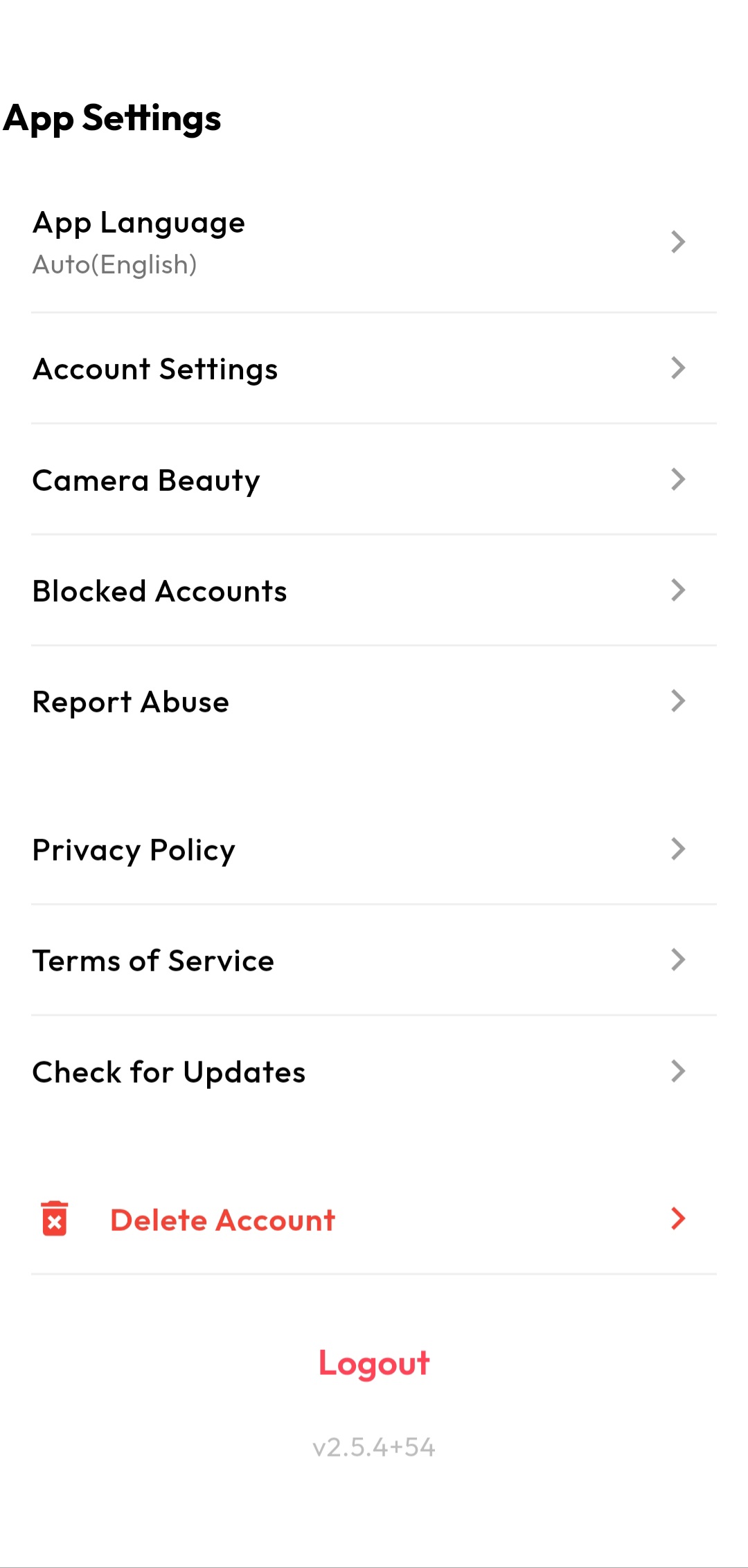
19. App Settings
Full control over your experience. From settings you can:
20. Video Call Privacy & Security
Indo Live takes user privacy during private video calls extremely seriously. We have implemented the following measures to ensure a safe and secure experience: